What happens when you send NovaKit a property
A plain walkthrough of the listing writer — the one module in the real estate kit that's actually live today. What you type, what it reads back to you, how the RERA check works, and what it deliberately doesn't do.
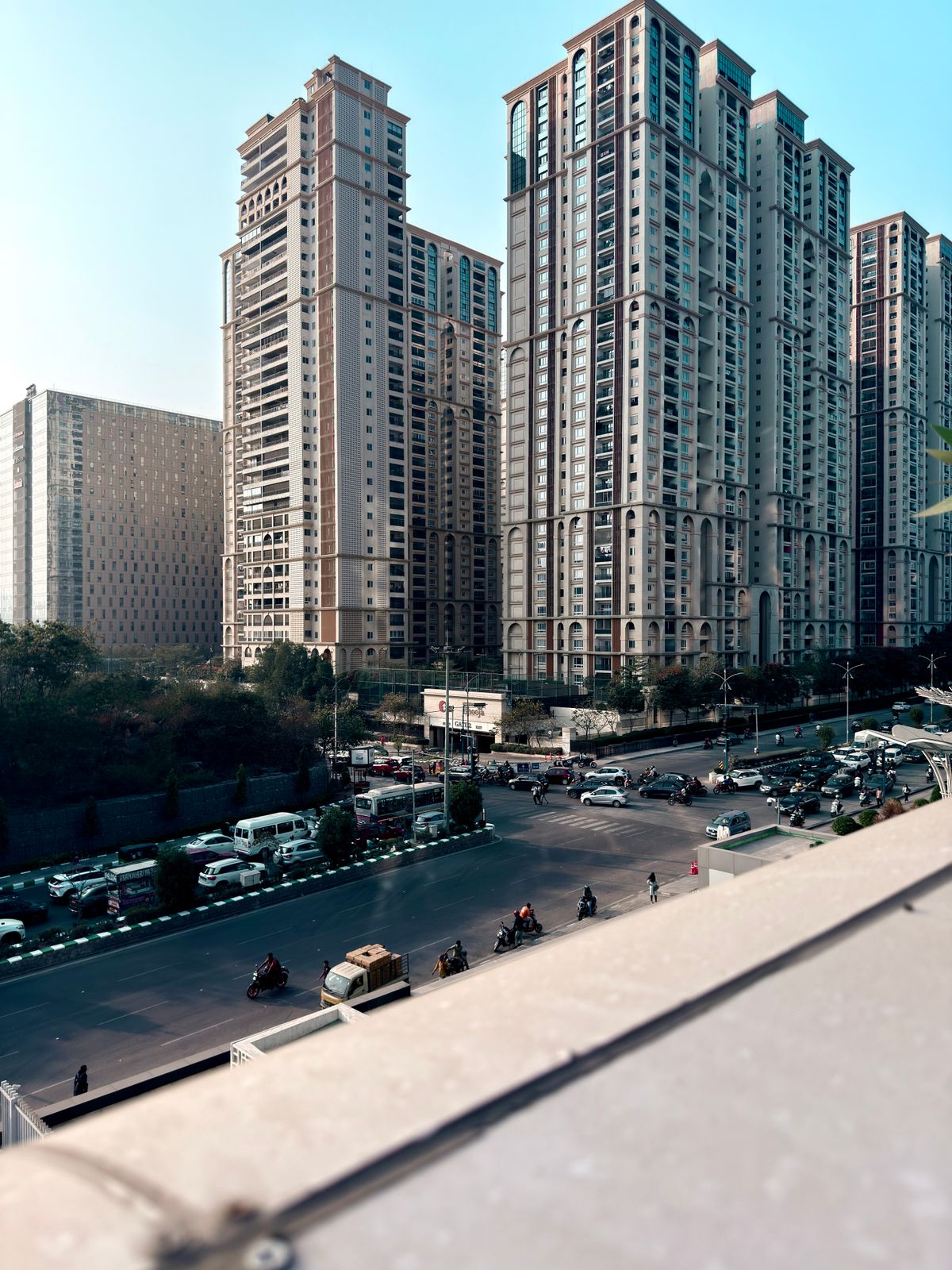
Photo: Nihar Manyalli / Pexels
What do I actually send it?
Whatever you'd naturally type — a couple of lines with the facts you have, in any order, in English or Hindi. You don't fill in a form or follow a template. NovaKit reads the message roughly the way a person would, including compound Indian pricing like "2 crore 75 lakh" as one number rather than stopping at "2 crore" and losing the rest.
Does it show me what it understood first?
Yes — before anything is written, it reads back what it parsed: property type, area, price, locality, and whatever else you sent. If something's missing, it asks for it instead of guessing. If your message accidentally describes two properties at once, it flags that rather than quietly merging them into one wrong listing. You get the chance to correct anything before the final copy is generated.
How does the RERA check work?
Every listing is checked against RERA rules before it comes back to you — no promising guaranteed returns or appreciation, and your RERA number included where it's required. This isn't a separate step you have to ask for; it's part of the same pipeline that writes the listing, and a listing that fails the check doesn't go out until it's fixed.
📐 1,200 sq ft carpet · 💰 ₹85 Lac
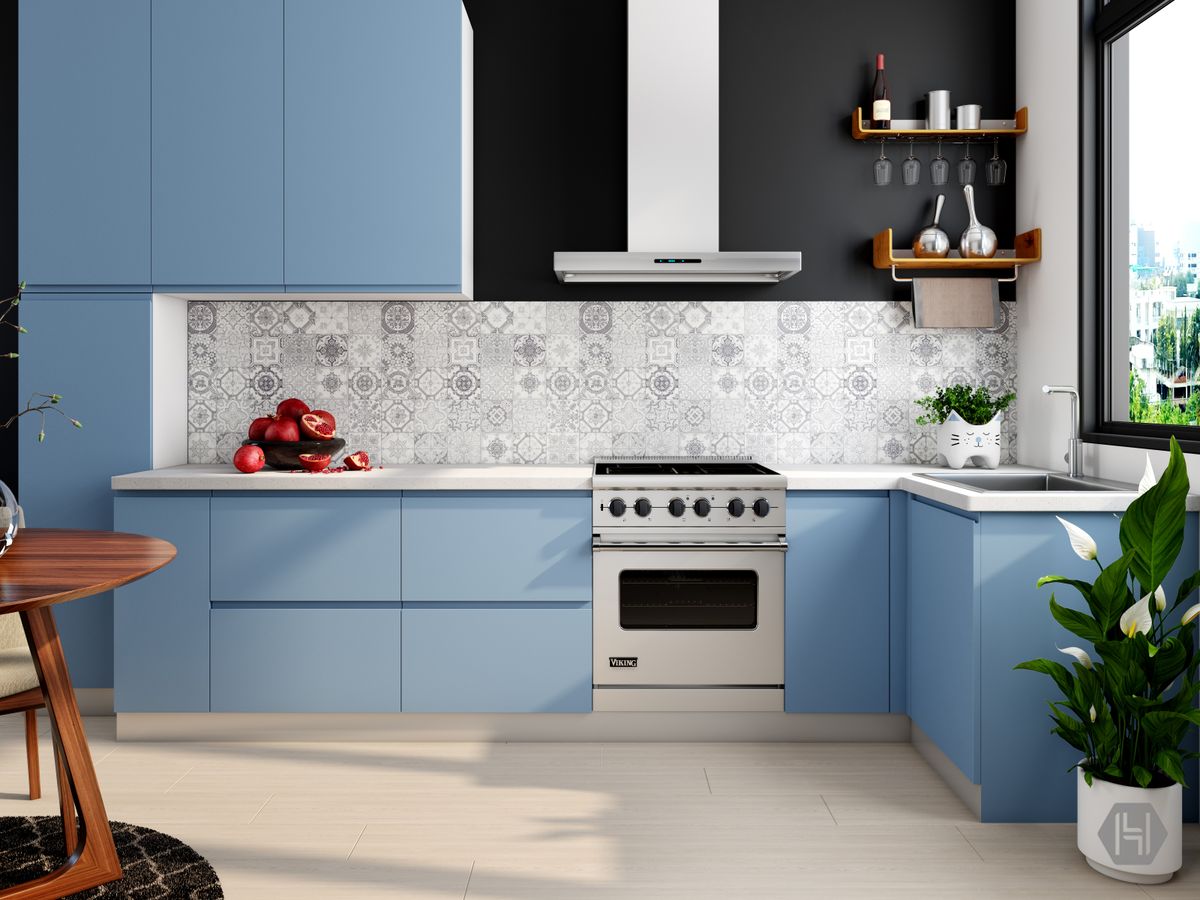
Photo: Houzlook.com / Pexels
What if I correct something after the fact?
Say the wrong carpet area up front — you can just tell it. Send the correction as a plain message and it updates the listing and offers to redo whatever else you'd already generated from it. There's no separate "edit" screen; it's still just a conversation.
What this doesn't do
- Doesn't invent a detail you didn't give it — no assumed floor, price, or amenity.
- Doesn't post anything anywhere. Every listing is delivered back to you on WhatsApp for you to send yourself.
- Doesn't schedule sends or auto-post on a timer — there's no API and no automation beyond writing the copy.
This is the module that's actually built and live today. If you want to see it as a running demo instead of a description, the kits page has an animated version of this same exchange.
Sources
- Haryana RERA — Direction to Promoters on Advertisement of Real Estate Projects (the registration-number and disclosure requirement the RERA check is built around)
- Section 12, RERA Act (misleading-advertisement liability — why guaranteed-return claims are blocked)